
A simpler way to manage your money.
Plan your income, expenses, and cash flow on a calendar so you can see what is coming before the month gets away from you.
$15 / YEAR
Simple annual pricing.
Already have an account? Sign in
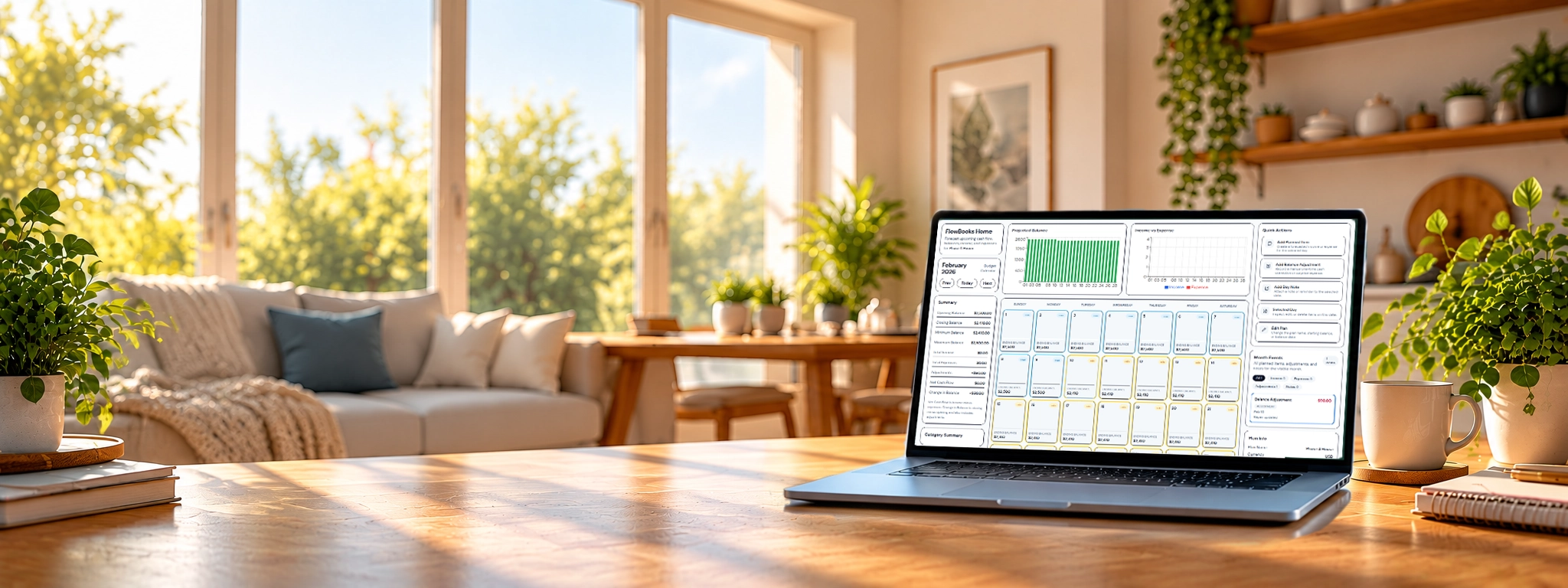
See FlowBooks Home in action
See your month before it happens.
Plan upcoming income and expenses on your calendar and see how each change affects your projected balance.
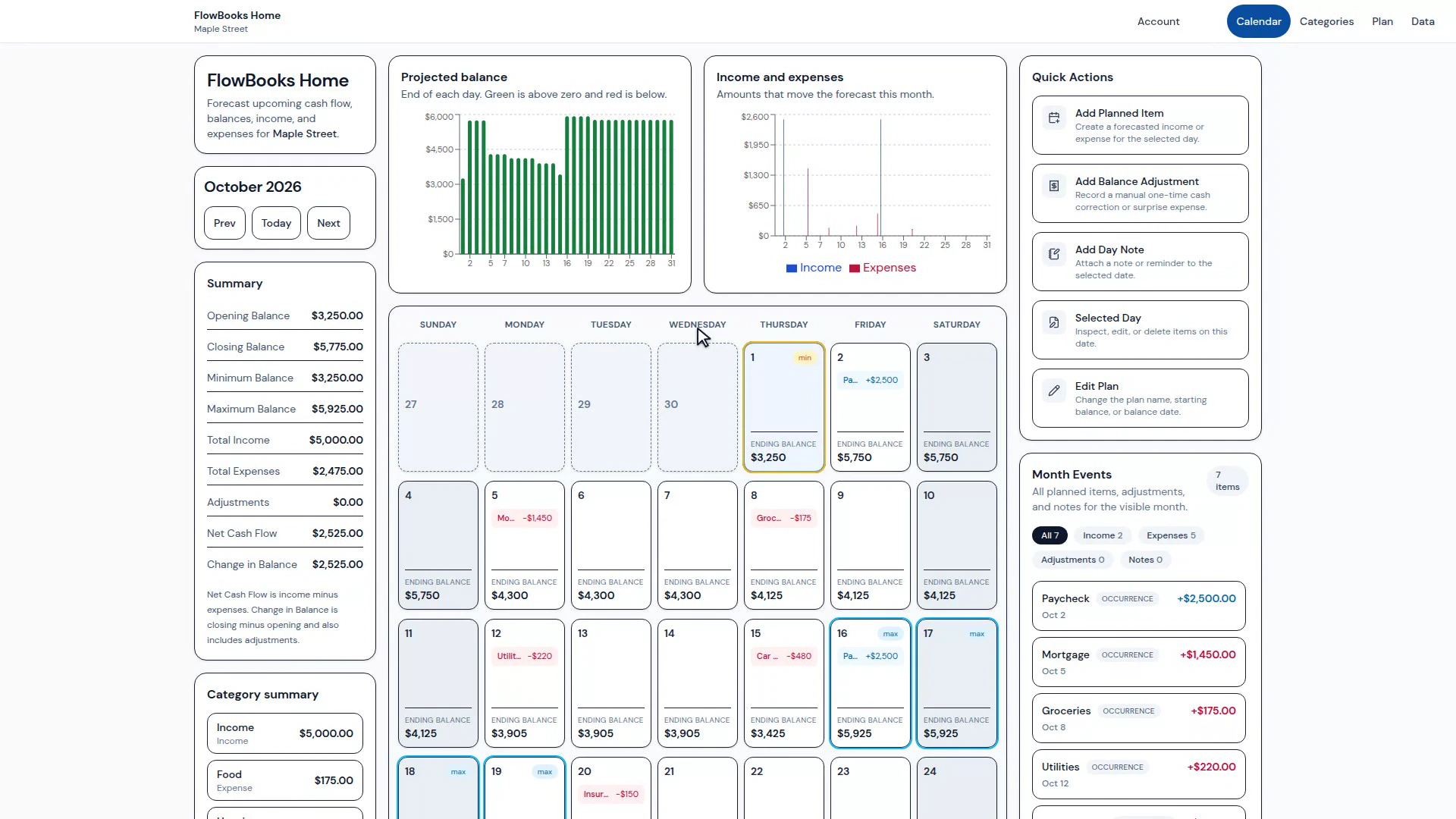
See your money on a calendar
Your budget makes more sense when you can see when things happen.
FlowBooks Home turns your planned income, bills, spending, and balance into a day-by-day view. Instead of looking backward at categories alone, you can see how each decision affects the days ahead.
Plan ahead
Know what is coming before it arrives.
-
Projected balance
See your expected balance across the month based on the income and expenses you have planned.
-
Planned income and expenses
Add the money you expect to receive and the bills or spending you know are coming.
-
Minimum-balance days
Spot the days when your projected balance is under the most pressure before you get there.
-
Balance adjustments
Record one-time changes when real life does not match the original plan.
-
Notes
Add context to a day so you remember what changed and why.
-
Flexible planning
Update the plan as the month changes instead of rebuilding the whole budget.
How it works
Start with where you are. See where you are going.
-
Start with your balance
Enter the balance you are starting from and the date it applies to.
-
Add what is coming
Plan expected income, bills, and spending on the days they are likely to happen.
-
See the month unfold
FlowBooks Home calculates the projected balance for each day so pressure points are easy to spot.
-
Adjust as life changes
Update dates, amounts, notes, or one-time adjustments without losing the bigger picture.
Built for real household cash flow
Useful when timing matters as much as the total.
- Paycheck planning
- Recurring bills
- Irregular expenses
- Household cash-flow visibility
- Planning around large upcoming purchases
- Understanding low-balance days
A monthly total cannot tell you which Tuesday gets tight.
Two months can have the same income and expenses and still feel completely different depending on when the money moves. FlowBooks Home is designed around that timing.
Guides
When the hard part is the calendar.
Two walkthroughs for the timing problems a monthly total cannot show.
Why Home exists
Simple software, from the people who started FlowBooks.
Kate T. started a bookstore for our church and could not find accounting software that was both simple and affordable. Her husband, Mike T., an engineer, built the practical software they could not find: classic workflows and ownership-based pricing for a small business.
They are a husband-and-wife team. That same aim, software you can understand at a price that fits the job, is why they also made FlowBooks Home. Home is a calendar-based household cash forecast for $15 a year. You sign in with email and subscribe inside the app, then see which days your planned income and bills will land.

Simple pricing
$15 a year.
FlowBooks Home uses straightforward annual pricing for personal budgeting.
Sign in with your email and subscribe inside FlowBooks Home for $15 a year.
If you have a promo code, sign in and apply it on the subscription screen. A demo promo code gives you 15 days of access with no card and no subscription. Some codes give complimentary access with no end date.
Manage your subscription from your FlowBooks Home account. Your household plan is stored with your account. Your account handles sign-in and subscription.
Questions
Before you start.
-
Who is FlowBooks Home for?
Households whose money problem is timing. That includes biweekly or weekly pay, bills that land on fixed dates, couples sharing one checking account, and people who already track paydays and bills on a calendar or spreadsheet.
-
What does FlowBooks Home not do?
It is not envelope or category budgeting. It does not log in to your bank or aggregate accounts. It is not full small-business accounting. That product is FlowBooks Business, buy-once accounting software at $99.
-
How do billing and cancelling work?
FlowBooks Home is $15 a year. Sign in with your email and subscribe inside FlowBooks Home. You manage the subscription, including cancelling it, from your FlowBooks Home account. If you already have a promo code, sign in and apply it on the subscription screen. A demo promo code gives you 15 days of access with no card and no subscription. Some codes give complimentary access with no end date. Checkout does not take a promo code.
See your money before the month happens.
FlowBooks Home gives you a simple calendar view of the cash flow you are planning around.